
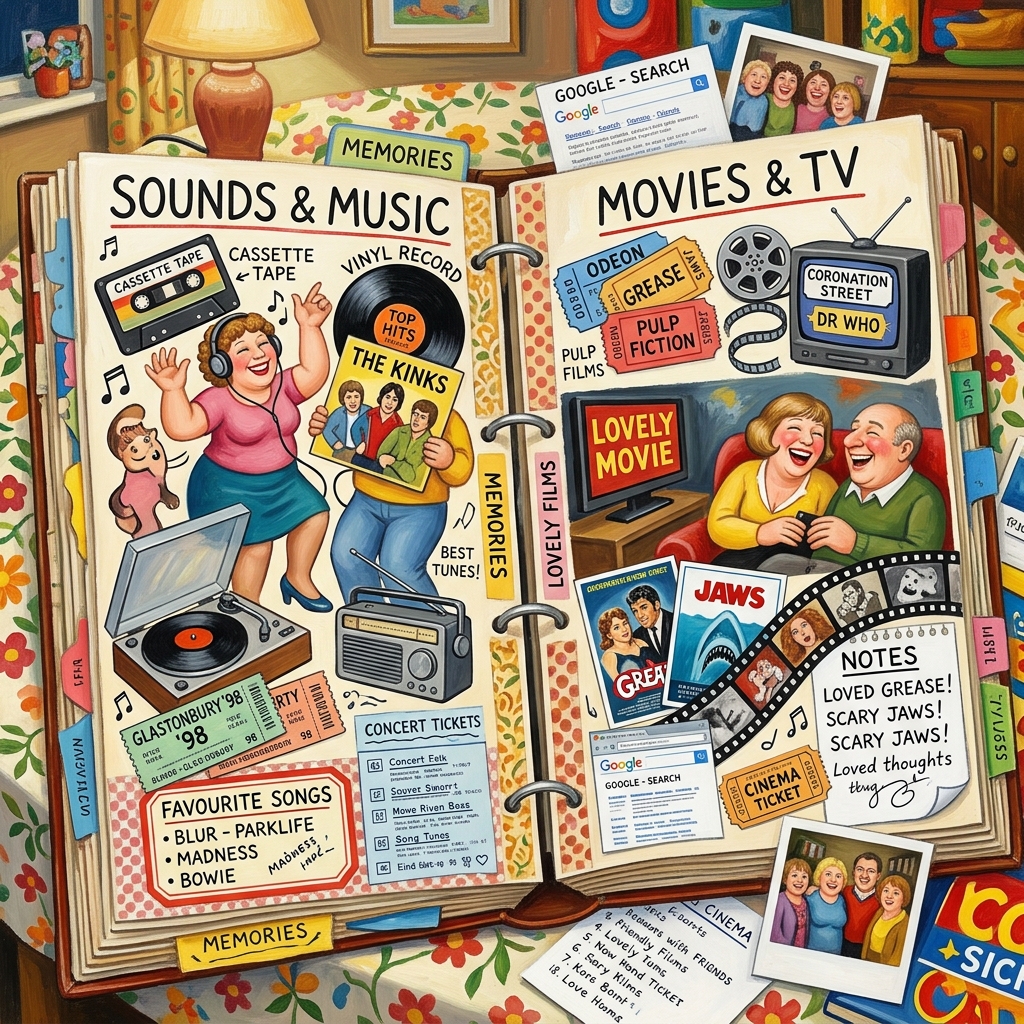
Simply Scrapbook brings all your memories together in one place—not just photos, but audio clips, videos, sketches, saved web pages, images, and notes too. Whether you’re putting together a family vacation, documenting a creative project, or just saving everyday moments, it gives you the space to build and manage as many scrapbooks as you like.
The colour-coded tiles make it easy to browse your scrapbooks at a glance, and solid search means you can always track down a specific note, sound, or photo, no matter how big your collection gets. However you want to remember things, it stays organized and easy to dig back into.
Play Store - coming soonFeatures
- Multiple scrapbooks can be maintained at the same time.
- Scrapbooks can contain images, sounds, videos and sketches
- Memories can be sorted after adding to the scrapbook
- Scrapbooks can be exported to PDF files for printing and sharing
FAQ
Is there a limit to the number of scrapbooks that can be stored in Simply Scrapbook?
There is no practical limited to the number of scrapbooks.
Can I make notes and associate a picture with sounds, videos and sketches?
Yes – sometimes media files are an important part of your memories.
How to use Simply Scrapbook
Open the app and on a tablet the screen will be divided in two sides – the left hand or home panel will contain a all of the scrapbooks you have created. On a narrower screen like a phone, this home page will open the scrapbooks. Return to the home panel by swiping from the left side of the screen or using the back button in the Android navigation bottom bar.
- A button to initiate the creation of a new scrapbook
- A tile for each scrapbook
- A settings button where you can change the app theme, decide on the display mode (large or small tiles) and export a scrapbook.